安装依赖环境
|
|
配置buildroot
下载与解压
|
|
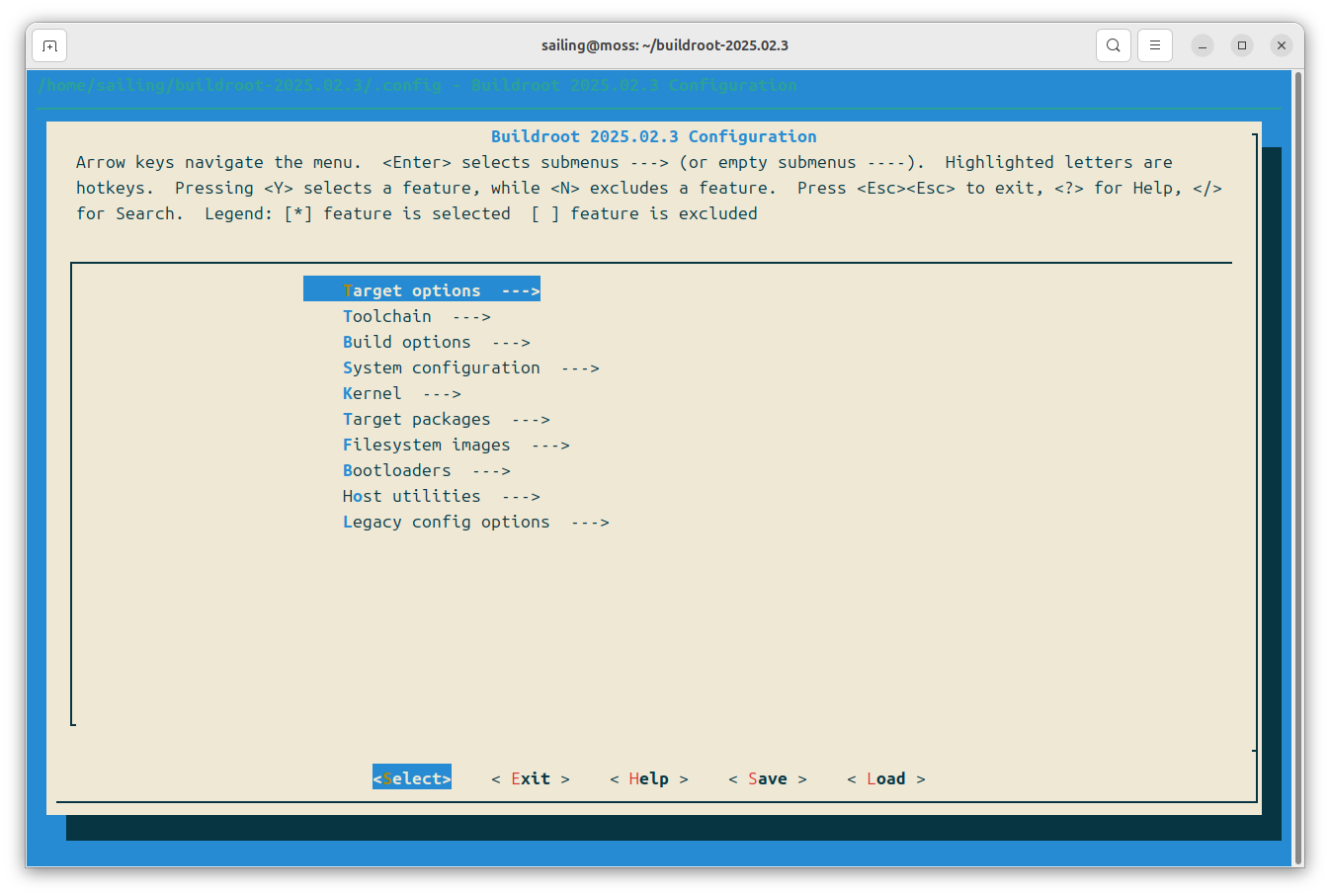
配置菜单
|
|
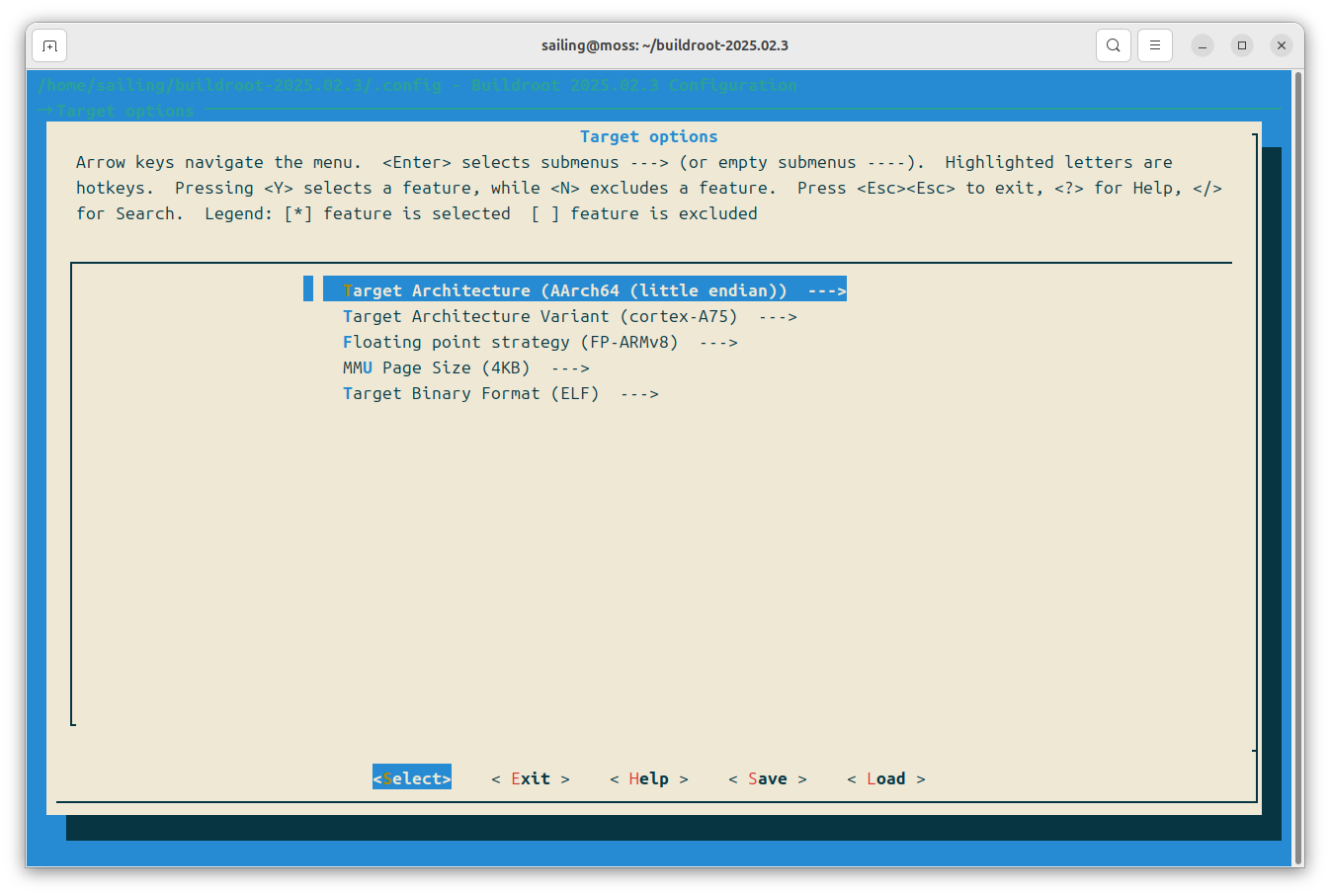
Target options
- Target Architecture:目标处理器的架构和大小端模式
- Target Architecture Variant:目标处理器核心类型
- Floating point strategy:浮点运算策略
- MMU Page Size:内存管理单元页大小
- Target Binary Format:目标二进制格式
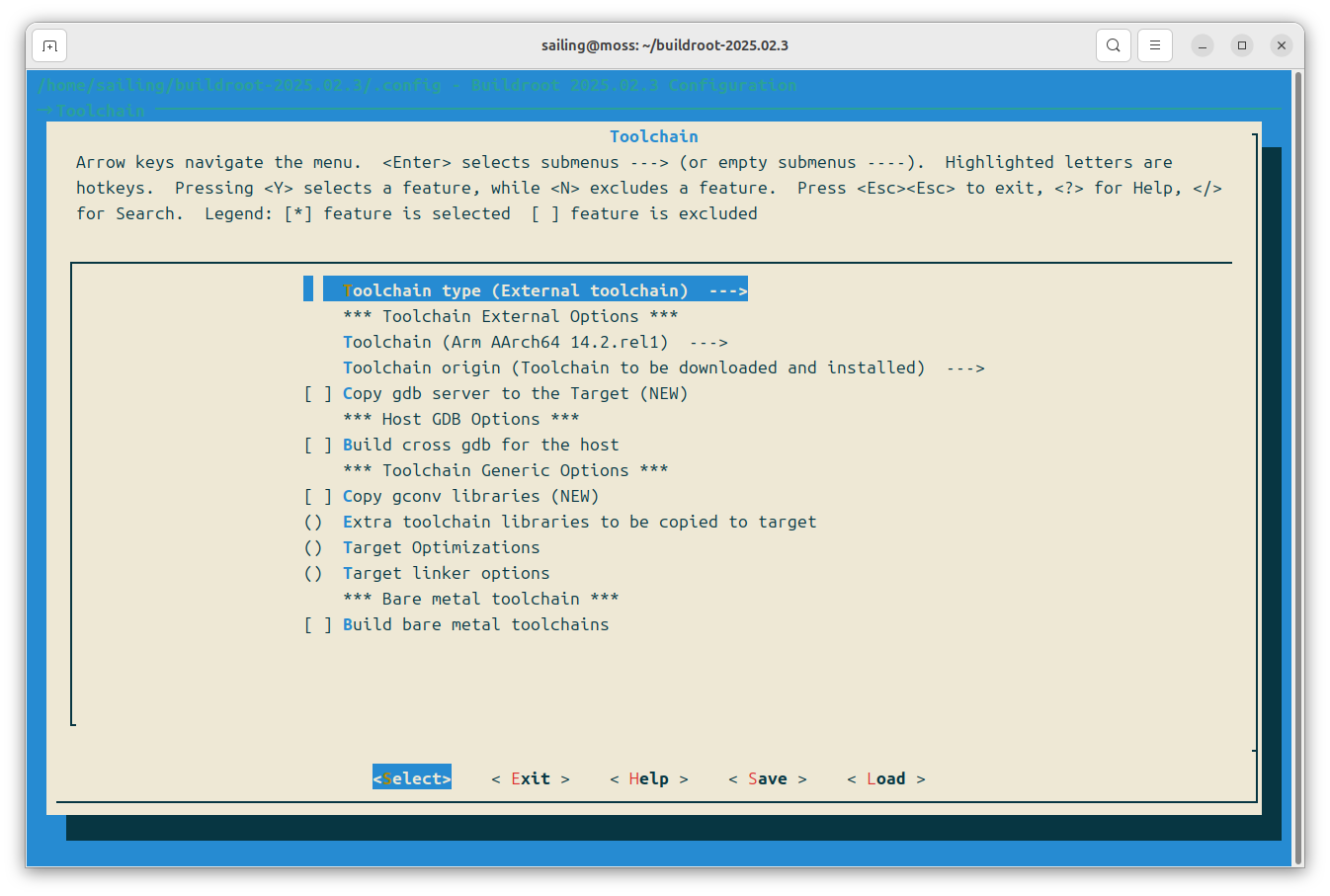
Toolchain
- Toolchain type:编译工具链类型
- Toolchain:编译工具链版本
- Toolchain origin:编译工具链来源
- Copy gdb server to the Target:是否拷贝gdb server到目标系统
- Build cross gdb for the host:是否交叉编译gdb
- Copy gconv libraries:是否拷贝gconv库
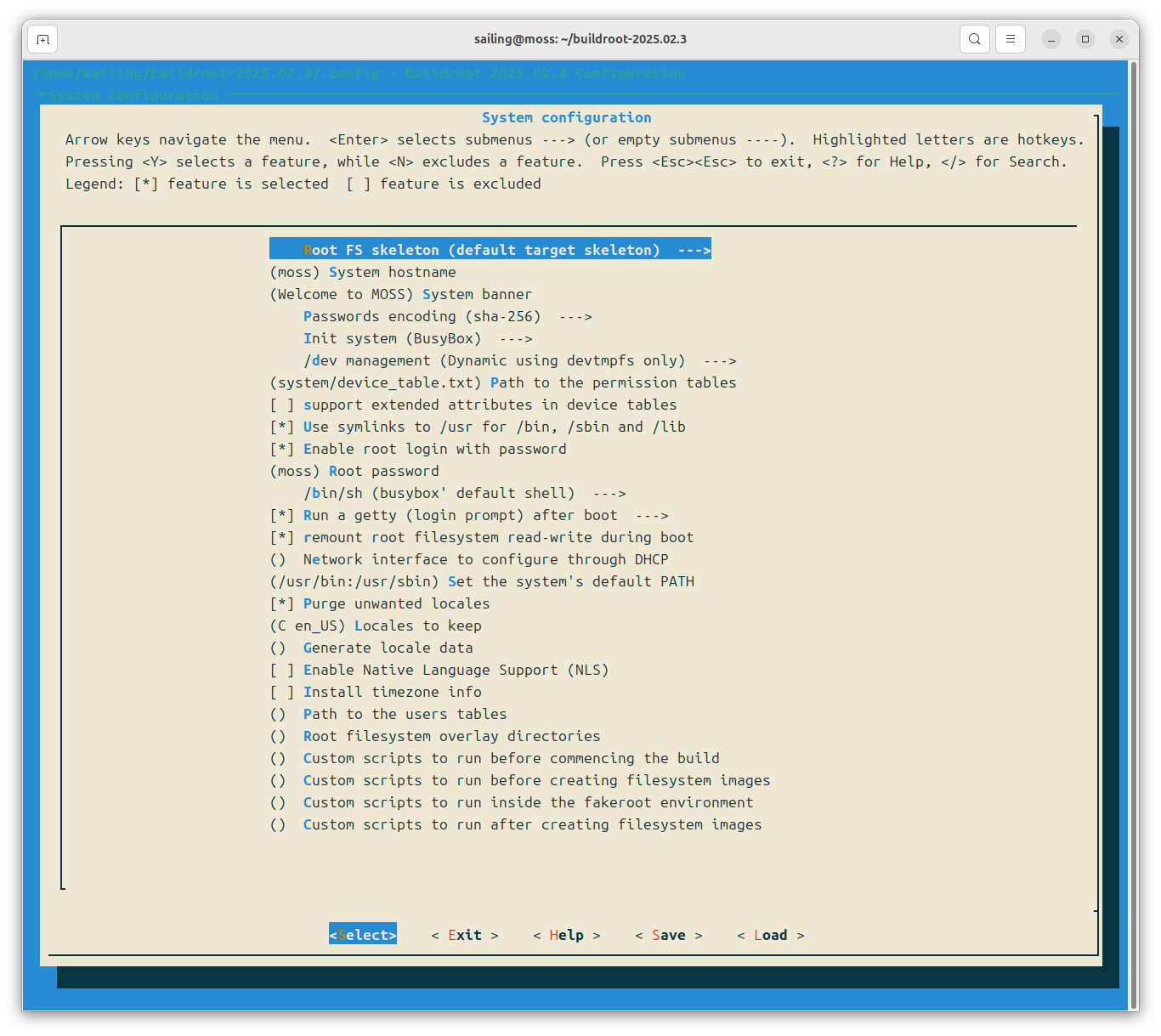
System configuration
- Root FS skeleton:根文件系统构建框架
- System hostname:系统主机名字
- System banner:系统开机提示
- Passwords encoding:密码加密方式
- Init system:系统初始化方式
- /dev management:/dev管理方式
- Use symlinks to /usr for /bin, /sbin and /lib:是否将/bin、/sbin和/lib链接至/usr
- Enable root login with password:是否设置root用户密码
- Run a getty (login prompt) after boot:启动后是否运行登录提醒
- remount root filesystem read-write during boot:boot阶段是否允许读写根文件系统
- Network interface to configure through DHCP:设置DHCP管理的网络接口
- Set the system’s default PATH:设置系统默认PATH变量
- Purge unwanted locales:删除不需要的区域设置
- Locales to keep:保留的区域设置
- Install timezone info:是否安装时区信息
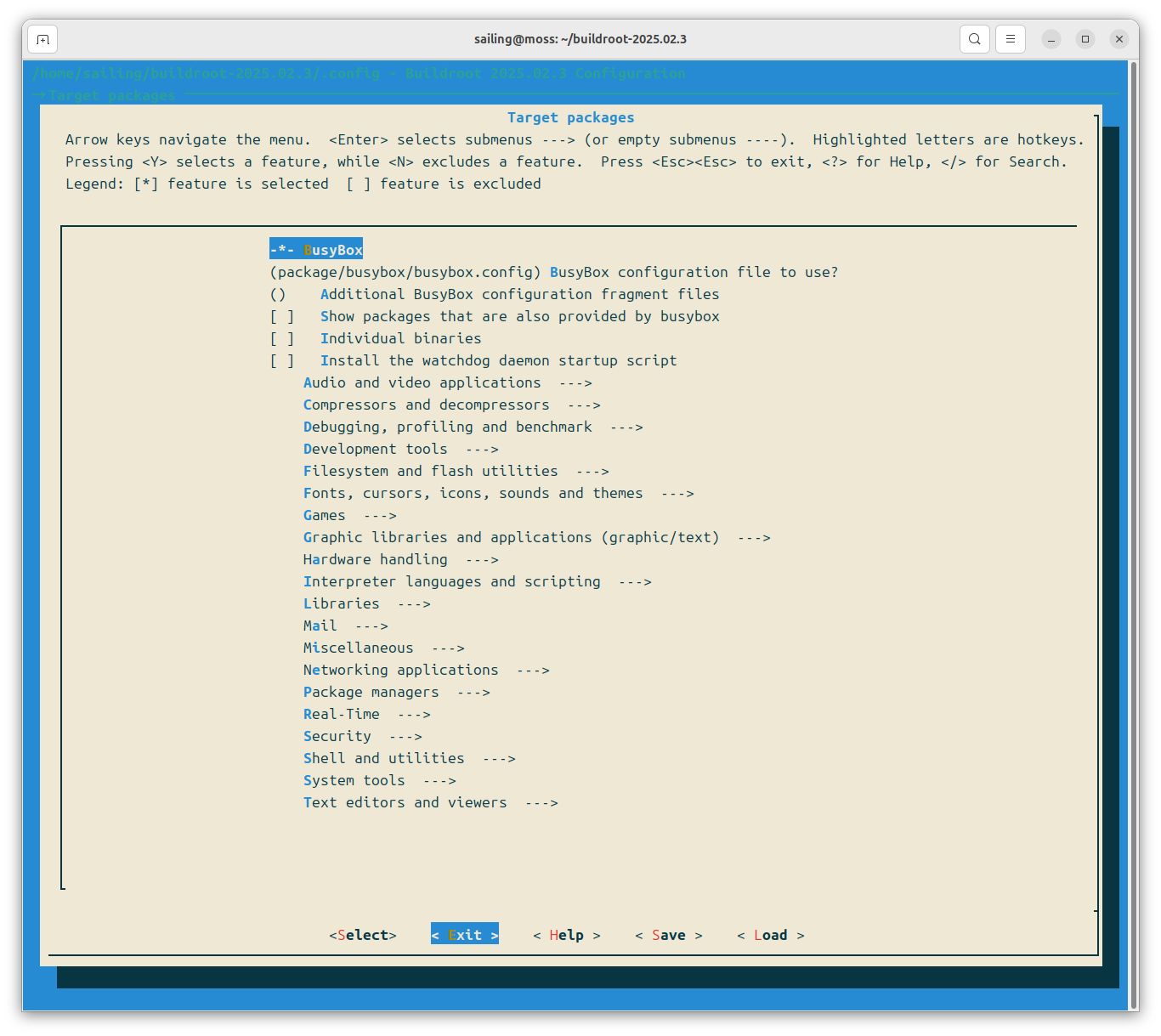
Target packages
根据需要勾选是否包含特定软件,如勾选 Text editors and viewers→nano
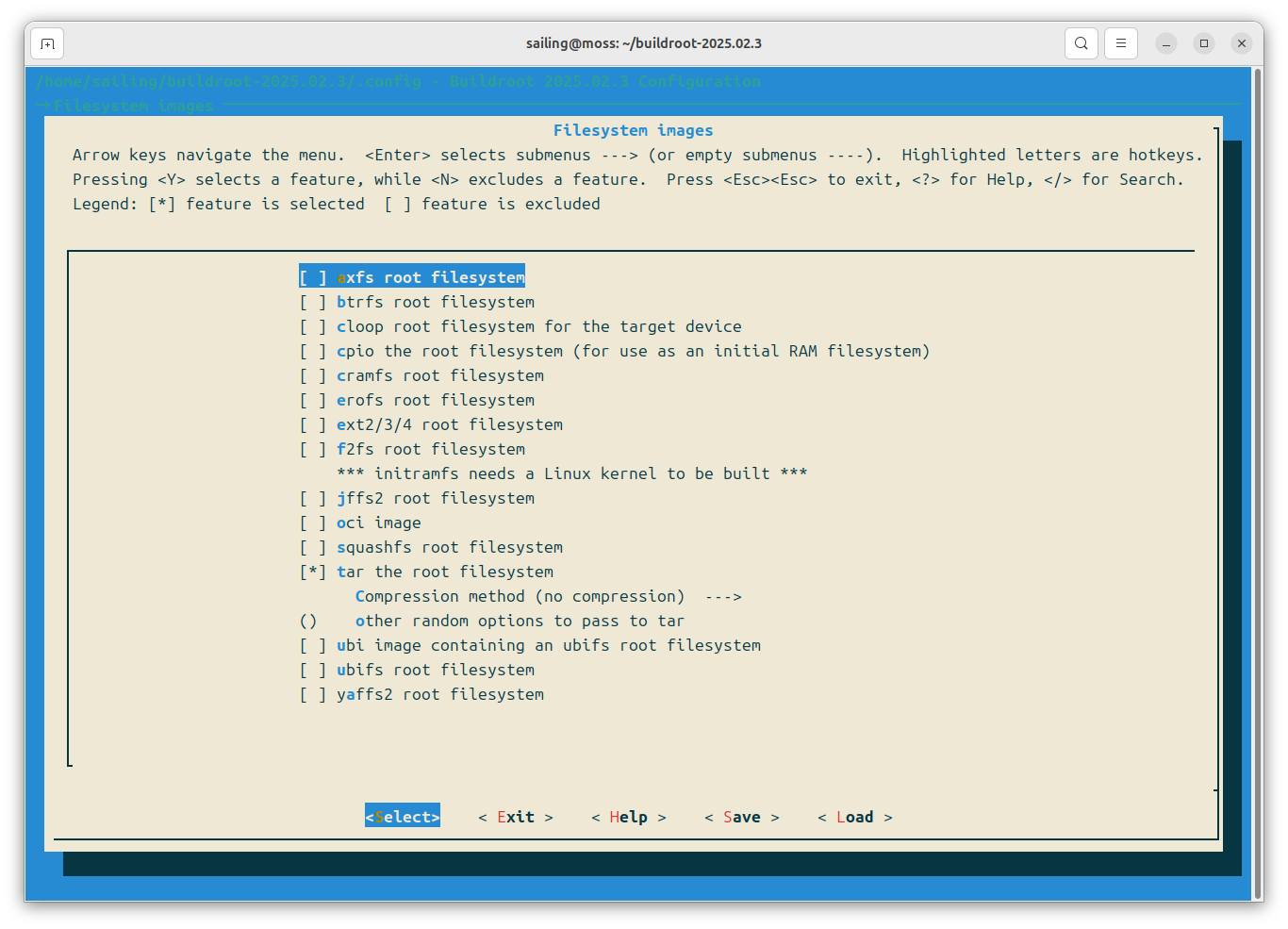
Filesystem images
选择嵌入式系统对应的根文件系统类型,如勾选 tar the root filesystem
构建根文件系统
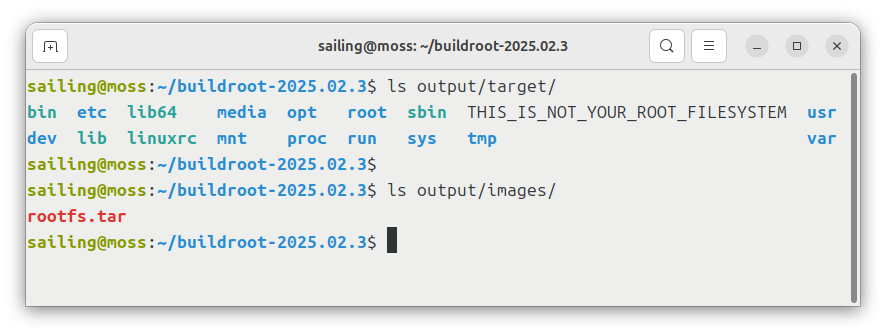
配置完成后,输入 make 开始构建,构建完成后可分别在 ./output/target 和 ./output/images 找到目标系统的根系统文件和镜像